Technology / Apple Find My · Delayed-bag guide
AirTag Luggage Tracking: How to Share a Lost Bag Location
AirTag luggage tracking can give an airline another clue when a checked bag fails to arrive. Apple’s Share Item Location creates a temporary link for the missing item, and some airlines accept that link in their baggage process. It supplements a delayed-bag report; it does not replace one or promise that the bag will be delivered by a particular time.
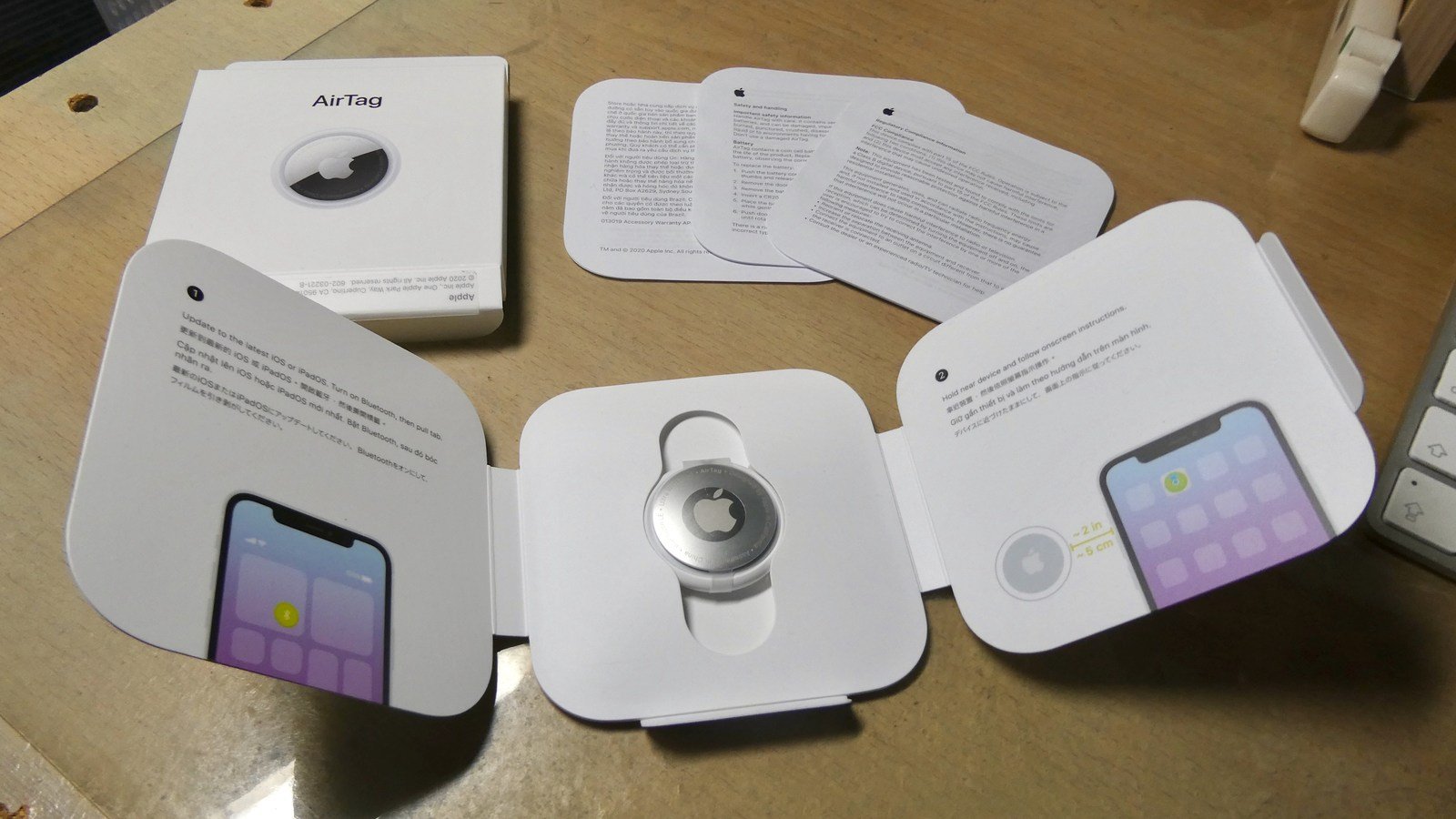
This guide follows Apple’s current iPhone instructions and uses Delta’s published delayed-baggage process as an example. The photographs show an older AirTag and an airport carousel for context. We did not test a device, lose a bag or submit a claim.
AirTag luggage tracking starts with the baggage report
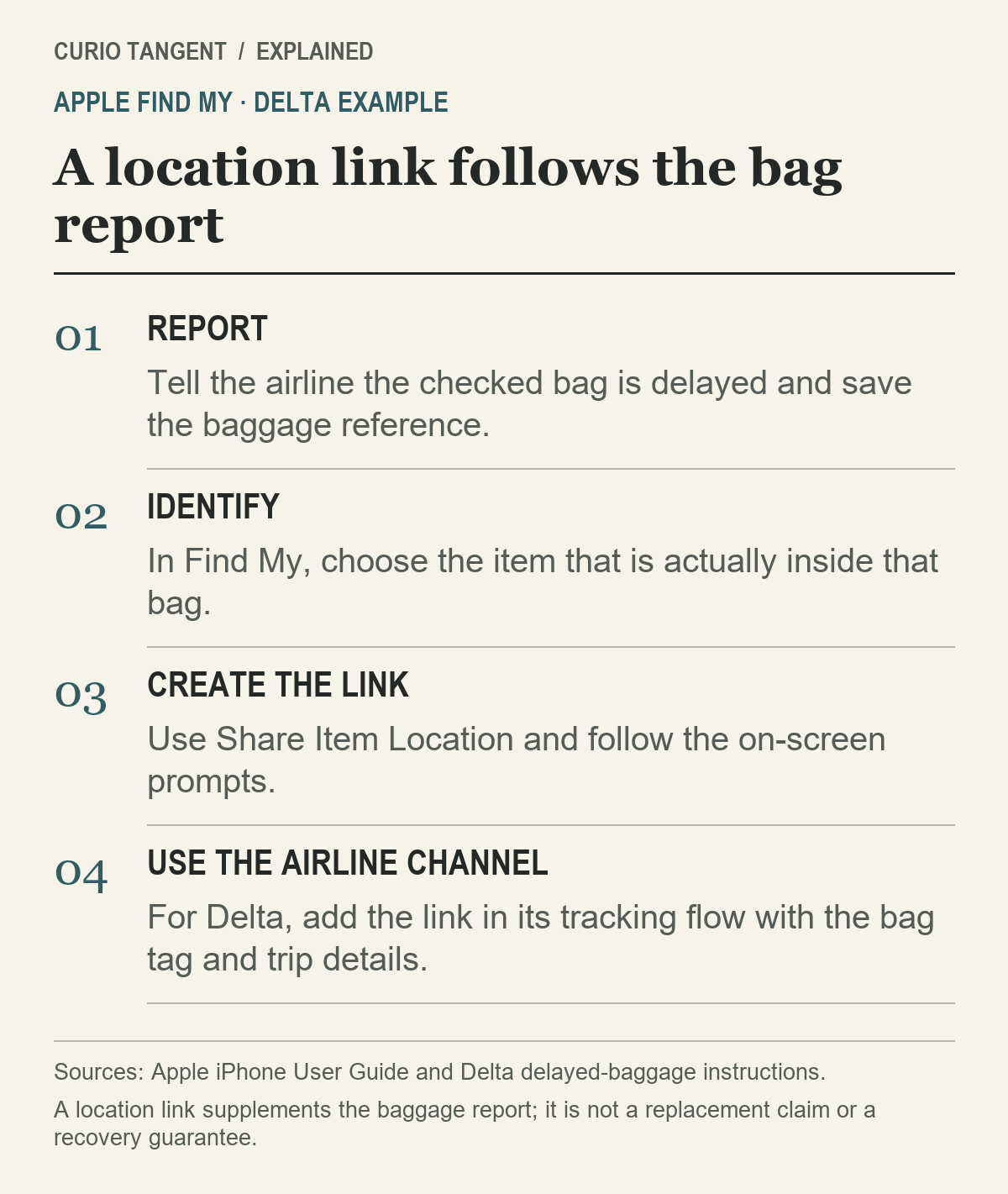
If your bag is missing from the carousel, contact the operating airline’s baggage staff and follow its reporting process. Delta tells customers to report a delayed checked bag at its airport Baggage Service Office and save the file reference. Its location-sharing instructions apply after that report.
Keep the airline’s reference, bag-tag receipt and trip details together. Those records identify the baggage case. An AirTag’s name in Find My identifies the tracker you selected; do not assume it tells airline staff which reservation or checked-bag record belongs with it.
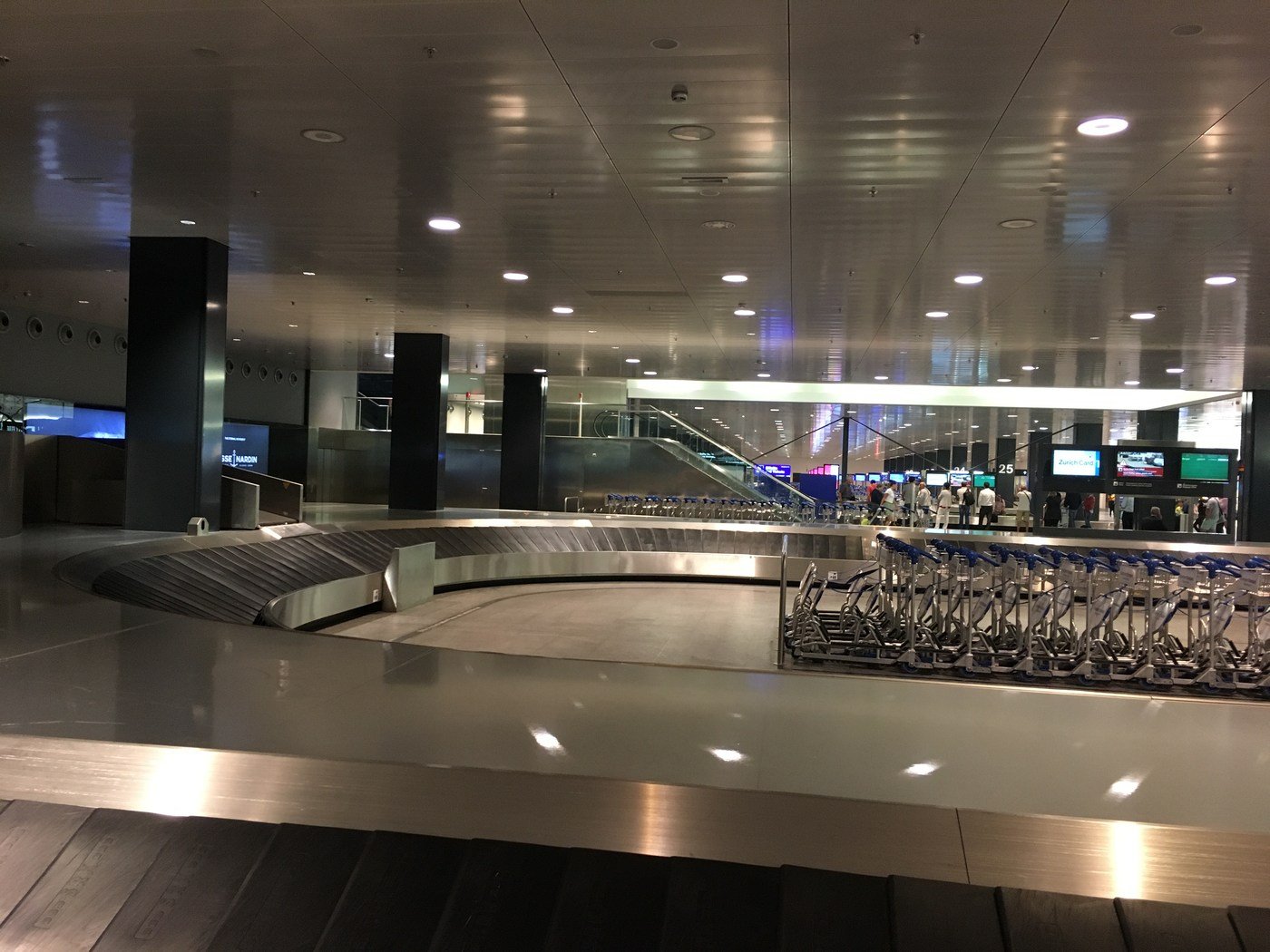
For a group traveling with several bags, be specific about which tracker is in which suitcase. A link for a carry-on sitting beside you will not help someone investigate a different checked bag. Before sharing anything, match the physical bag description, baggage receipt and selected item as carefully as you can.
Create the temporary link in Find My
Apple’s current iPhone guide describes this sequence:
- Open Find My and select Items.
- Select the item in the missing bag and open the More menu.
- Choose Share Item Location.
- Follow the prompts to create and share the temporary webpage, then finish the flow.
The guide says this sharing is unavailable when the item is near the device sharing your location. It also says at least one of your Apple devices signed into your Apple Account must be online to provide updated locations. If an expected option or update is missing, check those conditions and Apple’s instructions before repeatedly creating links.
Apple’s Find Lost Item support page lists the minimum software for the owner creating a link: iOS or iPadOS 18.2, or macOS Sequoia 15.2. Later versions can look different. A recipient needs an Apple Account or registered Apple Partner access, and availability varies by country or region.
That recipient requirement is worth checking before sending a link to a random inbox. Use the airline’s documented process so the information reaches someone who can associate it with the bag report.
Delta’s example: where the link goes
Delta directs travelers to create the link, open Delta Bag Tracking from its official baggage page, then enter the link with the 10-digit bag-tag number and trip confirmation number. In the Fly Delta app, its instructions instead identify the “Share Find My Item Location” field in the delayed-bag form.
Treat that as a Delta example, not a template guaranteed to work at every carrier. On a connection, confirm which airline is handling the baggage case and where that airline accepts shared-location information. Avoid substituting a social-media message or an unrelated contact form for a documented baggage channel.
After submitting, keep whatever confirmation the airline provides with the original report. If staff ask for another detail, use the same case reference so the follow-up is about the existing report. A map location can be useful context while the airline still needs its own bag-handling investigation.
Know what the recipient may see
Apple describes the link as showing an approximate location. Its support page says authenticated recipients can also see details such as the registered account’s phone number or email address and the item’s serial number. Share through the intended assistance channel and avoid publishing the URL with your travel photos or in an open forum.
For practical follow-up, note when you checked the location and what the airline asked you to do next. A dot on a map does not establish a delivery appointment, a reimbursement decision or permission to enter an airport work area. Follow airline staff instructions rather than trying to retrieve a bag from a restricted location yourself.
Sharing ends automatically—or you can stop it
Apple’s Personal Safety User Guide says sharing stops when you reunite with the item, after seven days or when you end it manually, whichever happens first. On iPhone or iPad, return to the item’s Share Item Location controls and choose Stop Sharing Item Location to end it yourself.
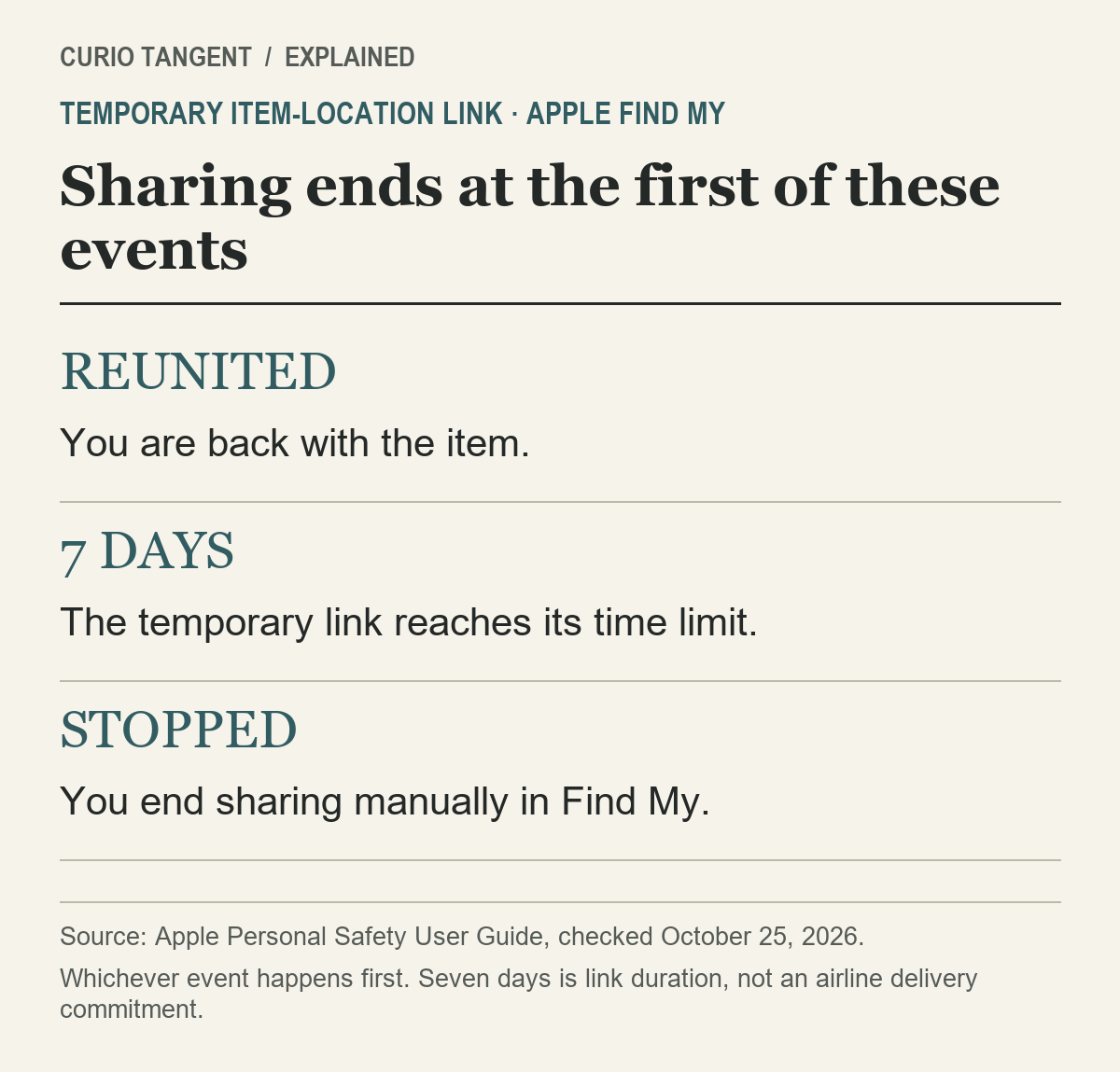
Seven days describes the link’s maximum duration. It is not an airline commitment to find or deliver the bag within seven days. If the case continues, check the current sharing state and ask the airline what it needs, rather than assuming an old URL still provides access.
For the rest of the trip, our power-bank packing guide covers the separate carry-on battery rules. The UK ETA guide covers travel authorization checks for a UK visit.
Sources and method
Checked October 25, 2026. Apple’s instructions describe the feature; Delta’s page supplies one airline workflow. Diagrams are original explanations, and photos are archival. Prepared with AI assistance and source verification. No tracking-accuracy measurement, recovery-rate claim or airline claim submission was performed.